

nginx日志分析命令
<pre><code> '$remote_addr - $remote_user [$time_local] ' '"$request" $status $body_bytes_sent ' '"$http_referer" &qu...
 51工具盒子
<pre><code> '$remote_addr - $remote_user [$time_local] ' '"$request" $status $body_bytes_sent ' '"$http_referer" &qu...
<pre><code>server { root /data/wwwroot/; server_name local.swoole.com; location / { proxy_http_version 1.1; proxy_set_header Connection "kee...
<p>由于 Nginx 的日志都是写在一个文件当中的,因此,我们需要每天零点将前一天的日志存为另外一个文件,这里我们就将 Nginx 位于 logs 目录中的 access.log 存为 access_[yyyy-MM-dd].log 的文件。其实 logs 目录中还有个 error.log 的错误日志文件,这个文件也需要每天切割一个,在这里就说 access.lo...
vi /lib/systemd/system/nginx.service [Unit] Description=nginx After=network.target [Service] Type=forking ExecStart=/usr/sbin/nginx ExecReload=/usr/sbin/nginx -...
#运行用户 user nobody; #启动进程,通常设置成和cpu的数量相等 worker_processes 1; #全局错误日志及PID文件 #error_log logs/error.log; #error_log logs/error.log notice; #error_log logs/error...
<p>修改nginx配置文件</p> <pre><code>cp /usr/local/nginx/conf/nginx.conf /usr/local/nginx/conf/nginx.conf.bak #备份配置文件 vi /usr/local/nginx/conf/nginx.conf #修改配置文件 </cod...
<pre><code>server { listen 443 ssl http2; #必须是https才有http2 ............ </code></pre>
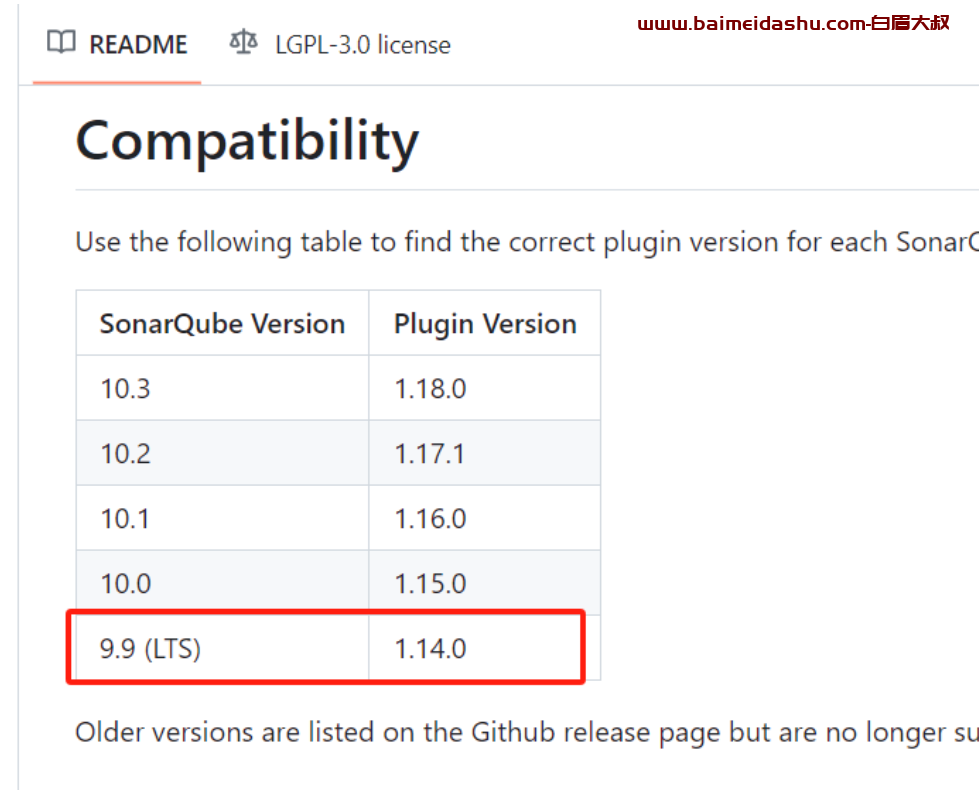
<h1>docker compose 下安装 sonarqube(带多分支插件) {#articleContentId}</h1> <p>2、sonarqube 依赖 Elasticsearch(存储代码扫描报告)、postgres(存储规则数据、账号密码等)。而 Elasticsearch 本身是不能用 root 账户启动的(如果是 tar...
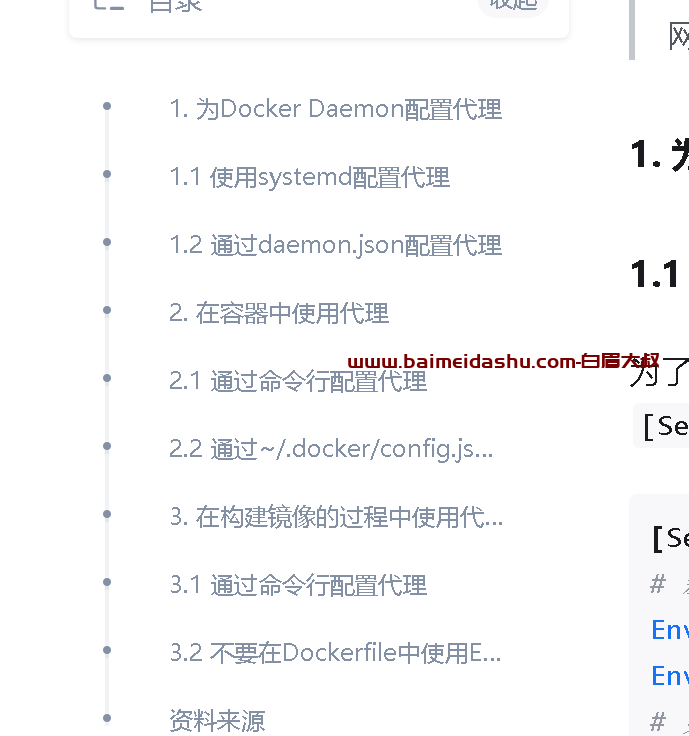
<p><a href="https://zhuanlan.zhihu.com/p/683652583">配置Docker代理 - 知乎 (zhihu.com)</a></p> <p><img src="http://static.51tbox.com/static/2024-11-2...

### 2.创建一个Dockerfile来构建Squid代理服务器的Docker镜像。 # 使用官方的Alpine镜像作为基础 FROM alpine:latest # 安装Squid软件包 RUN apk add --no-cache squid # 拷贝Squid配置文件 COPY squi...